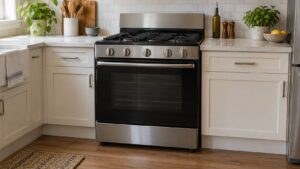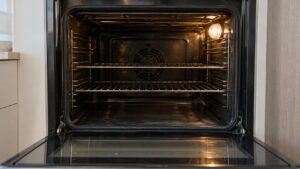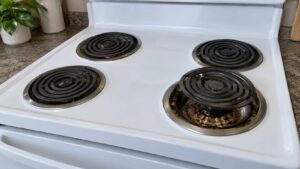
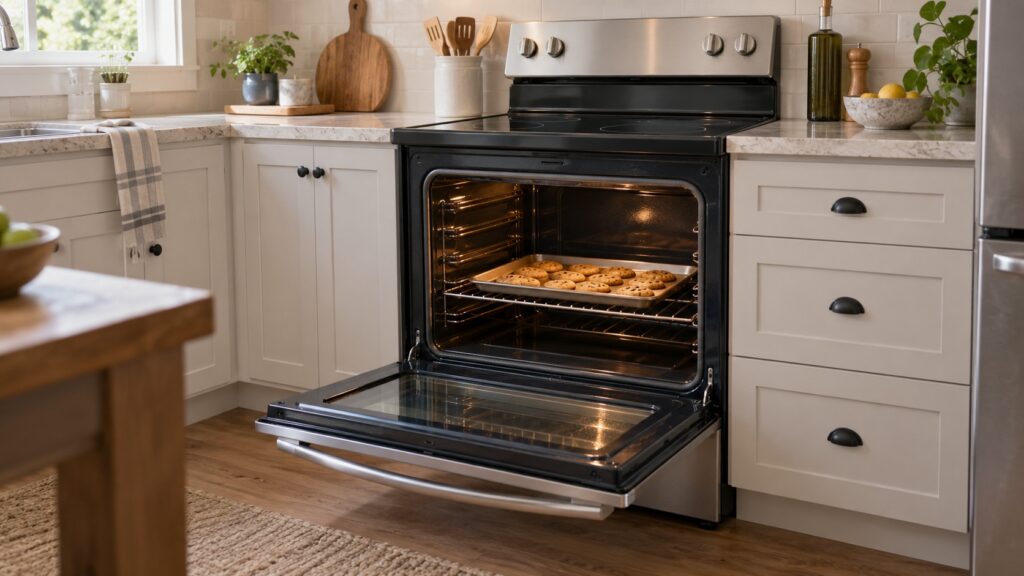
Amana Bake Assist Temps and Warm Hold are two oven features named on our model pages: Bake Assist Temps on 20 ranges and six wall ovens, Warm Hold on those 20 ranges, such as the ACR4303MFW, AER6303MFB and AGR4230BAW. They are oven controls, not parts that fail on their own. Warm Hold is a function for keeping cooked food warm; Bake Assist Temps is a baking-side setting whose exact behavior our pages do not describe, so what each one does on your exact model is in the owner’s manual.
What are Bake Assist Temps and Warm Hold on an Amana range?
They are names from the feature lists on our model pages. The ACR4303MFW page describes a 30-inch freestanding coil-electric range with Easy Touch Electronic Controls and lists, among its key features, Bake Assist Temps and Warm Hold. The AER6303MFB and AER6303MFW pages list them with a glass-ceramic smoothtop, and the AGR4230BAW page lists them on a gas range with sealed burners. Bake Assist Temps also shows up on the AWO6317SFW wall oven page, beside Sabbath Mode and the Self-Clean Option with Oven Lockout, while Warm Hold does not. So the terms are not tied to one fuel or one cooktop type. They belong to the oven side of a number of current Amana ranges and wall ovens.
We are an independent service company, not Amana, and we do not have a verified description of what each term does internally. We will not guess at temperatures or timers. What we can do is explain how to recognize each one, what it is generally for, what it is not and what to check when an oven seems to misbehave.
What does Warm Hold do?
The name describes the job: holding cooked food warm. A warm-hold function is meant for the stretch between finishing a dish and serving it, when you want the oven to keep food from going cold without continuing to cook it hard. Exactly which temperature the oven holds, how long it runs and how you start it differ by model, so use the instructions for your range in the owner’s manual. Do not assume a figure from a forum or another brand.
A practical point on safety: holding food warm is not the same as keeping it safe indefinitely. Use a food thermometer, follow the food-safety guidance for hot food and do not leave perishable dishes in a warm oven for hours. If the oven seems cooler or hotter than the setting, see our Amana oven tips and the checks below.
What does Bake Assist Temps mean?
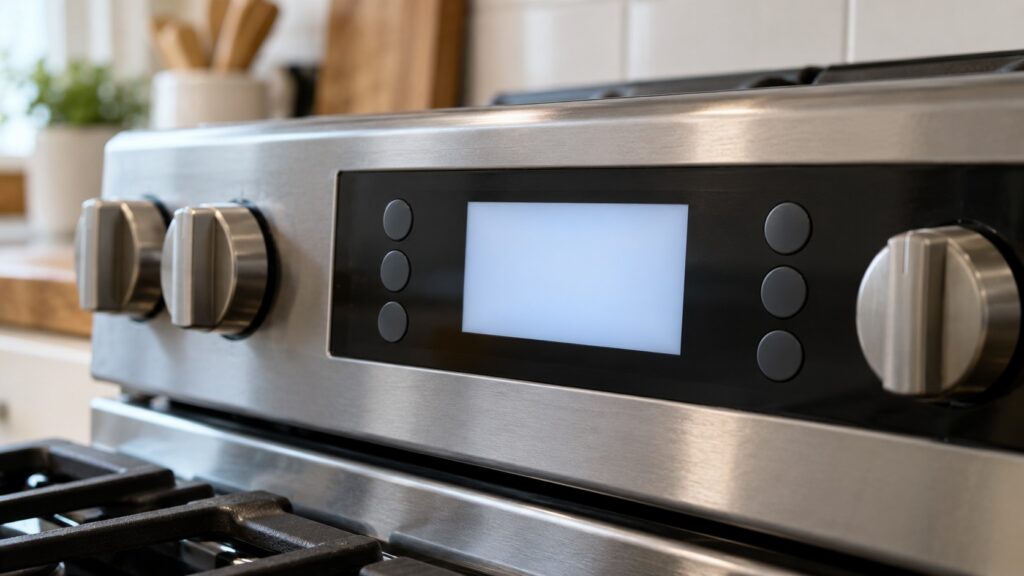
Our pages list it among the features of the oven controls and, on some models, beside the self-clean option. The name suggests it relates to the temperatures offered for baking, but our pages do not say what it changes or how it is selected, and the phrase does not appear in our error-code or repair pages. If you are trying to find it on your own range, look at the oven control panel and in the owner’s manual’s feature or settings section, and note that the label may differ from the name on a spec sheet.
In general terms, an oven control holds a set temperature by switching the bake element on and off while a sensor reports how hot the cavity is, and a baking-side feature is one more rule the control follows while doing that. Whether Bake Assist Temps changes the set point, the preheat or the way the element cycles is not something our pages say, so do not assume any of the three.
If the range gives you trouble with baking results, the cause is far more often a sensor, an element or the oven’s calibration than a feature setting. Our Amana range cooking tips go through the everyday habits that affect baking, such as preheating fully and not crowding the racks.
How are these different from other Amana oven terms?
People confuse them with other terms in the same feature list, so here is how they separate. Easy Touch is the electronic control panel itself, which our Easy Touch controls glossary describes. EasyAccess, by contrast, is a trash compactor drawer design in our EasyAccess glossary, not an oven feature. And the self-clean option is a cleaning cycle, not a cooking feature; see Amana oven self-clean maintenance. Bake Assist Temps and Warm Hold are listed beside the first two on the range pages, which is why the names get mixed up.
One more habit helps with all of these terms: write down the exact words printed on your control panel and in your manual before you search. Spec sheets, retailer listings and our model pages use marketing names, and the panel may label the same function differently. Matching the label on your own range to the manual saves you from changing a setting you did not need to touch.
What should you do if the oven does not behave as expected?
First check that you are using the feature the way your manual describes, because a setting that is on or off by mistake looks like a fault. Then look at the display. Our model pages say that on the electric oven our technicians read any F#E# code before testing the named part, such as the control board on an F1, the keypad on an F2, the RTD sensor on an F3 and the door lock on an F5. See the F3E0 sensor guide and the F1E0 control guide for those two, and oven not heating if the oven fails to warm up.
If you ever smell gas on a gas range, do not use any switch, flame or phone inside; do not try to find the leak, leave the house and call the gas company or 911 from outside. Gas parts are for a technician only.
When should you call a technician?
Call when the oven will not reach or hold temperature, when a code appears and returns after a power reset, or when the controls do not respond. Do not open any panel yourself; sensors, relays and wiring are for a technician, and if you smell burning or see sparks, switch off the range’s breaker at the panel from a dry spot. Our range repair page explains how a visit works, and you can book a visit online.